

Meshing
Express Mesh
Turn CAD surfaces into triangular or quadrangular meshes, balancing geometric detail and element size for viewing and engineering preparation.
On this page
Prepare CAD meshes for viewing and analysis
A viewer, a conversion service, and an engineering preprocessor need different levels of detail. Express Mesh gives your application controls for turning CAD surfaces into triangular or quadrangular surface meshes.
Choose settings for individual parts or sets of similar models and build a repeatable mesh-preparation step.
How it works
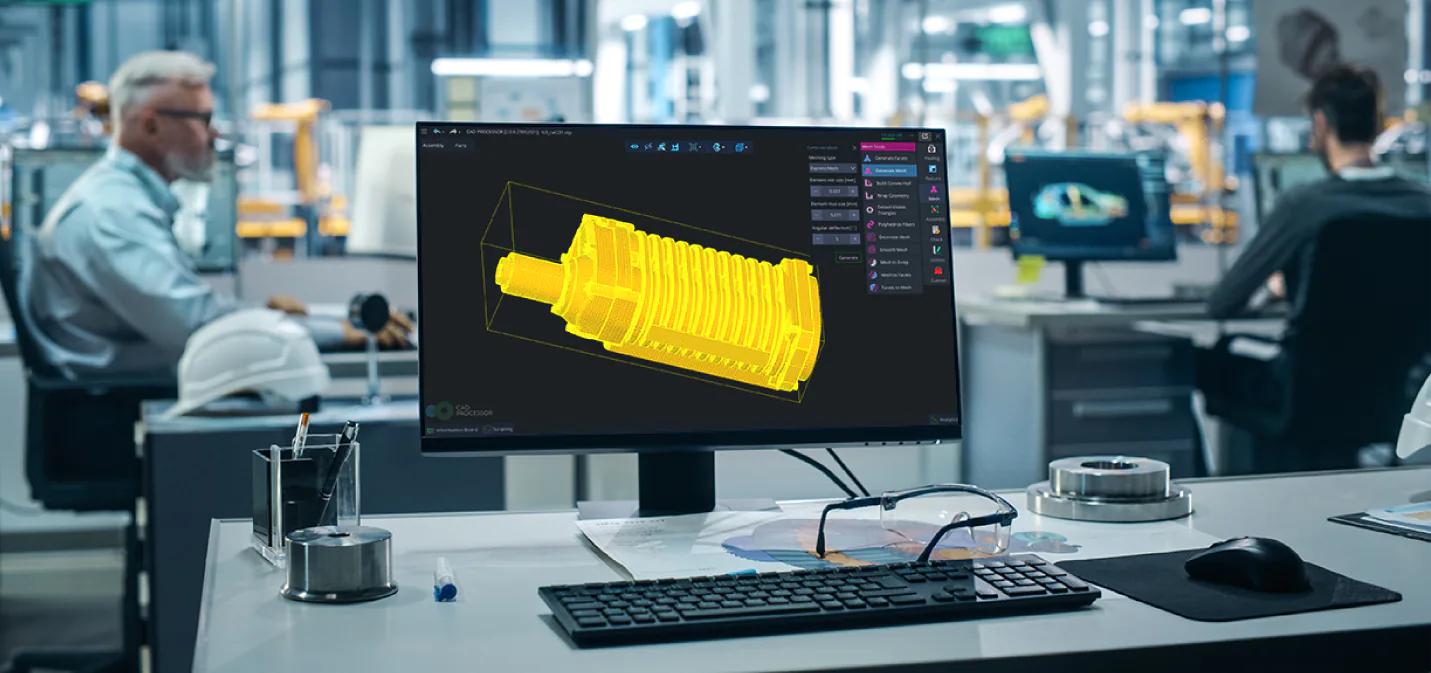
Choose triangular or quadrangular elements and set size and deviation controls. Express Mesh prepares edges and face boundaries before generating a surface mesh. Adjacent faces share coordinated edge samples. Review element quality and surface fit, then pass the mesh to a viewer, writer, or analysis-preparation tool.
Control detail where it matters
Set minimum and maximum element sizes, surface deviation, and angular deviation. These controls help preserve curved regions and small features while managing element count on simpler geometry.
Geometry-based parameter suggestions provide a starting point that your application can adapt for a chosen output.
Keep neighboring mesh faces connected
Coordinated edge sampling helps meshes meet across shared boundaries. Preparation operations can resolve suitable curve loops, close discrete contours, and address wire intersections before face meshing.
Use several processor cores for suitable models
Sequential and parallel modes let an application choose how meshing uses available CPU resources. Parallel processing can help with suitable parts and assemblies; model size, face complexity, mesh settings, and hardware affect the gain.
A batch service can prepare meshes for repeated conversion jobs. A desktop application can choose a lighter viewing mesh first and prepare finer data when needed. Both uses depend on matching surface detail to the intended output.
Standardize surface-mesh preparation across a team
When engineers prepare meshes individually, similar parts can reach the next tool with very different detail and boundary quality. A simulation-preparation team then spends time understanding those differences before it can begin its own work.
An application can define Express Mesh configurations around the receiving process: element type, size range, surface deviation, and shared-boundary requirements. Engineers can start from a common configuration and refine selected regions where small features need more detail. Sequential or parallel execution can be chosen for the available hardware and workload.
Keeping the source model and chosen settings with each result helps teams repeat preparation after a design change. Review can focus on surface fit and element quality against a clear requirement. For a process that needs a volume mesh, the accepted surface data becomes input to a separate volume-meshing stage.
Serve several engineering uses
- Viewers and product portals: prepare detail suited to interactive display.
- CAD conversion: create surface meshes for formats such as STL or glTF.
- Analysis preparation: generate triangle or quadrangle surface data for later processing. Volume meshing requires a separate mesher.
Choose Express Mesh when triangle or quadrangle surface output is part of your requirement. Also review Advanced Mesher for controlled triangular surface meshes. Compare settings and results on the parts your application needs to process.
Use Surface Wrapping for an envelope around imperfect tessellation or Mesh Framework for mesh interaction. Discuss your mesh output with representative geometry and element-quality targets.